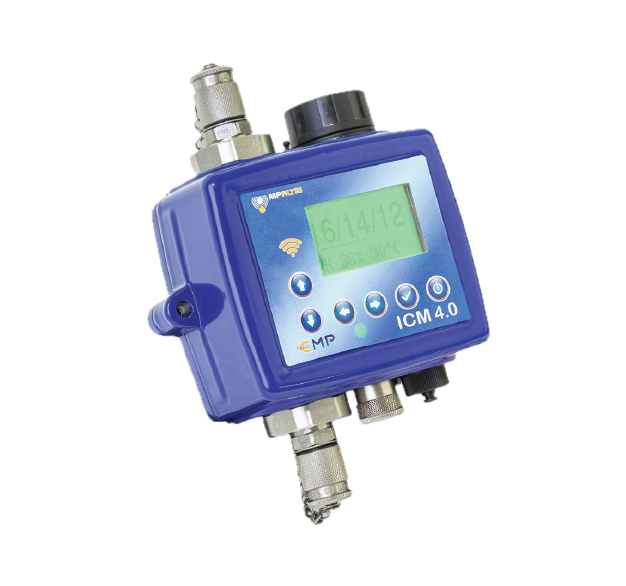
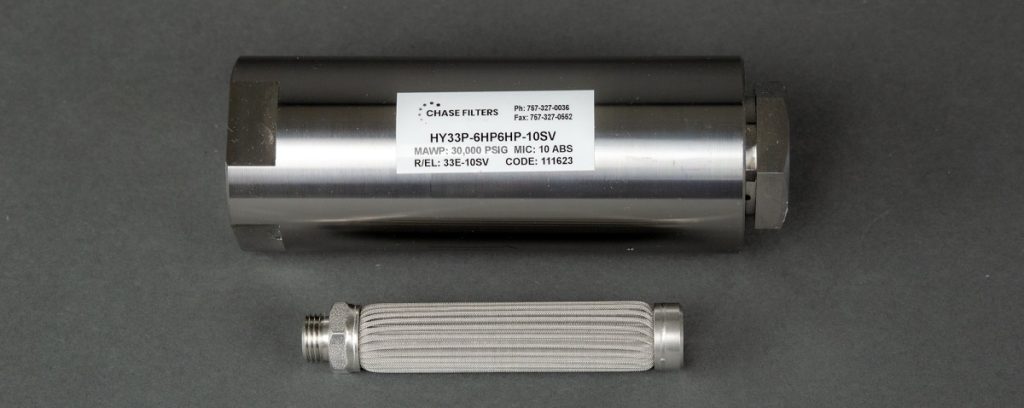
Many people purchase a filter cart to remove contamination from a oil reservoir, tote, tank or even a drum. But do you when your oil is clean? Without an contamination monitoring we are just guessing. Most people will hook up the filter cart and run it for a few hours or so and assume the oil is clean.
Another popular use for filter carts is adding new oil into the system. New oil is not clean oil (in most cases), so it is wise to filter as you add new oil into your system. But, do you know if the oil is going in at spec? Does your equipment OEM have a specified ISO cleanliness code (or NAS) for new oil and ongoing oil cleanliness?
Oil should be kept dry as well. Filter carts are used, water absorption media, to remove moisture as well as particulate. A contamination monitor will also tell you if your oil is dry.
Filer carts equipped contamination monitoring is a good practice to insure oil cleanliness.

Several versions are in stock for fast lead times with flow rates from 5 gpm to 10 gpm. The ICM can be programmed to shut the filter cart down when the desired ISO cleanliness code is achieved. The free software enables the user to program the ICM particle counter to signal / alarm to their requirements.